
Haltz
A key you mount on the wall.
A passive NFC tile on the wall, an app on the device, and a one-page console for the office. A student taps the tile at the gate and chosen apps, the camera, or both go out of reach until an authorised tap releases them.
Nothing is confiscated. Nothing is handed over. The phone stays in the student’s pocket, doing only what the school has allowed it to do — and the tap takes about a second.
- 01Tap inThe student holds their phone or tablet to the tile at the entrance while a member of staff watches. One tap, about a second.
- 02The policy appliesSocial apps, games and — if you want it — the camera go out of reach. Calls, saved contacts, maps, the timetable and learning apps keep working.
- 03Tap outA second tap at the exit tile, or an automatic release at the final bell, hands the device back.

Every device in the hall, camera off, by one tap at the door.
Invigilators verify a tap instead of patrolling for pockets. The policy lifts itself when the paper ends.
Not every tile is equal.
Tiles are issued in tiers. A gate tile can only apply the campus policy; a master tile can undo anything, anywhere on the site, in one tap.
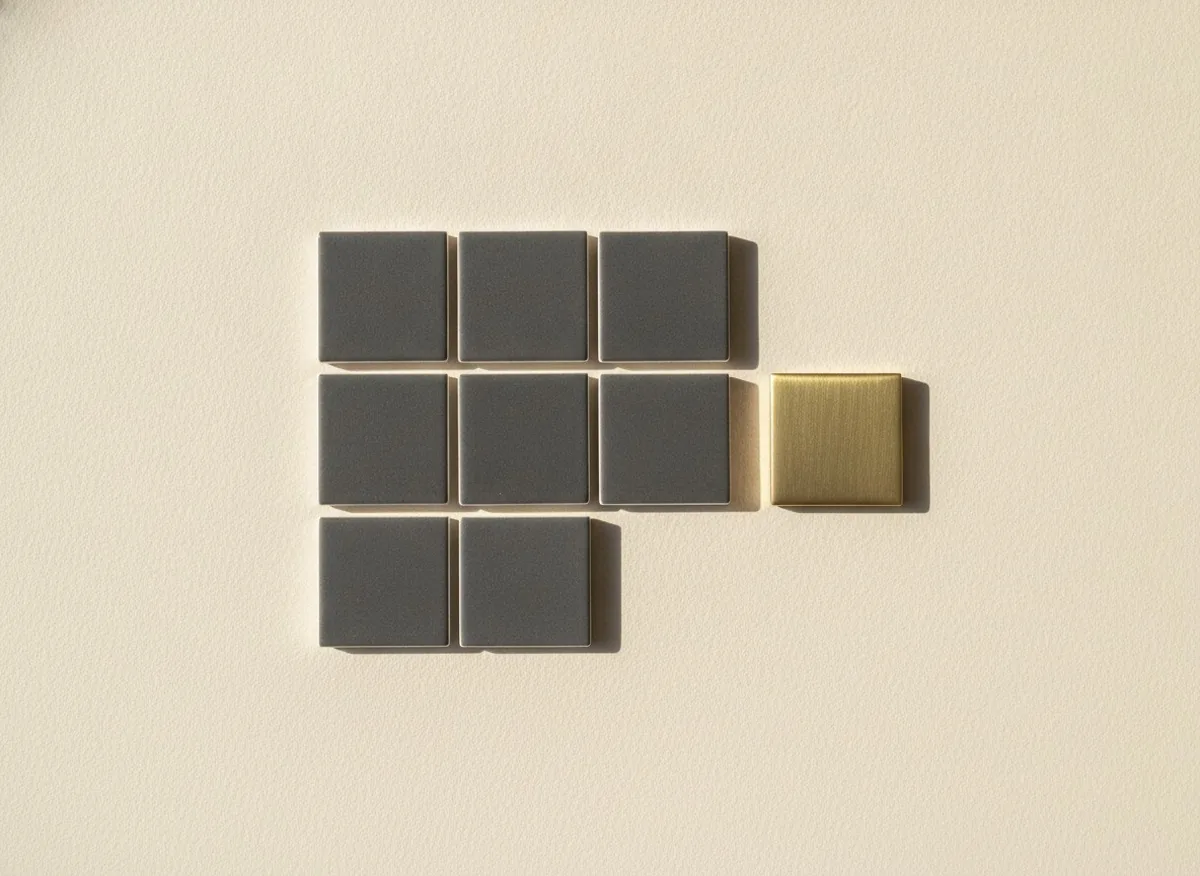
- MASTER TILEOwner or principalLifts anything, anywhere on the site, in one tap. Cut in brass, so it is different at a glance.
- ADMIN TILEIT or head of sectionSets policies and schedules, adds tiles and classes, and lifts anything below master.
- GATE TILETeachers and prefectsApplies and releases the campus policy at a door. Nothing else.
- SESSION TILEExam, meeting, visitorHolds a policy for the length of a session, then restores whatever was in force before it.
- HOME TILEParentsRuns a family’s house rules at home, and can release the school policy in an emergency.


Nothing to charge. Nothing to break.
| Size | 50 × 50 mm, 6 mm thin |
|---|---|
| Power | None — passive, powered by the tap |
| Mounting | Screw, adhesive or magnet |
| Finish | Charcoal; the master tile in brass |
| Devices | iOS 17+, Android 12+, phones and tablets |
| Network | Not required — a tap is verified on the device, offline |
| Verification | Against the site’s public key and the tag’s own UID |

WHAT HALTZ NEVER SEES
Messages, call content, browsing, photographs, location. Haltz applies a policy and records that a tap happened — that is the whole of it. There is no screen in the console where a member of staff could look.
WHAT NEEDS A MANAGED DEVICE
Camera control and blocked uninstall are managed-device capabilities. They work on devices enrolled in a management profile — school-owned tablets, company handsets, staff phones enrolled with consent. They cannot be applied to an unenrolled visitor’s phone, and no product on the market can do that.
A pilot wing first. The campus after.
- WEEK 1Walk the siteWe map doors, decide tile positions and write your policies with your head of section.
- WEEK 2Pilot wingTiles mounted on one corridor or one year group. Staff briefed in twenty minutes.
- WEEKS 3–4Enrol and observeDevices enrolled with parental consent. We sit with your staff through the first mornings.
- MONTH 2Whole siteRemaining doors fitted, master and admin tiles handed over, console training closed out.
Priced per door for the tiles and per enrolled device for the software, with the pilot wing quoted separately. The site walk and the written proposal cost nothing.
Haltz is a new product from an established engineering company. We are selecting a small first group of schools for paid pilots — one wing, one term, your own staff running it.