


05 — PRODUCTS

Three products of our own.

Alongside client work, the lab builds its own products: Haltz for controlled device access, RestroPOS for point of sale, and TailorCut for tailoring and cloth-shop management.

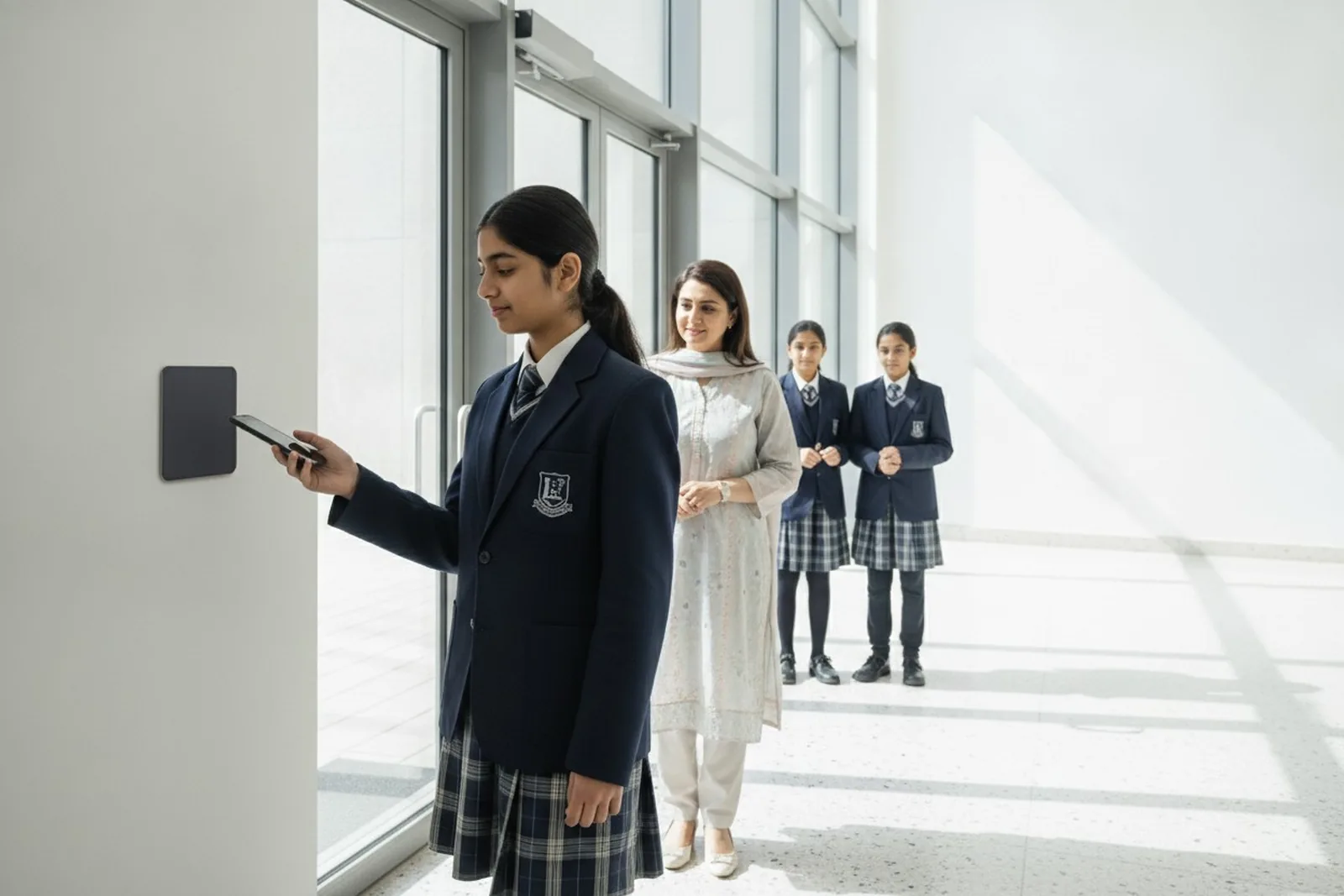
A student in school uniform holds a phone against a wall-mounted tile beside a school entrance
AT THE GATE · ONE TAP, ABOUT A SECOND
HALTZ · CONTROLLED DEVICE ACCESS

Haltz

A key you mount on the wall.

A passive NFC tile on the wall, an app on the device, and a one-page console for the office. A student taps the tile at the gate and chosen apps, the camera, or both go out of reach until an authorised tap releases them.

Nothing is confiscated. Nothing is handed over. The phone stays in the student’s pocket, doing only what the school has allowed it to do — and the tap takes about a second.

  1. 01Tap inThe student holds their phone or tablet to the tile at the entrance while a member of staff watches. One tap, about a second.
  2. 02The policy appliesSocial apps, games and — if you want it — the camera go out of reach. Calls, saved contacts, maps, the timetable and learning apps keep working.
  3. 03Tap outA second tap at the exit tile, or an automatic release at the final bell, hands the device back.
An invigilator walking down the aisle of an exam hall between rows of students writing at desks

Every device in the hall, camera off, by one tap at the door.

Invigilators verify a tap instead of patrolling for pockets. The policy lifts itself when the paper ends.

Not every tile is equal.

Tiles are issued in tiers. A gate tile can only apply the campus policy; a master tile can undo anything, anywhere on the site, in one tap.

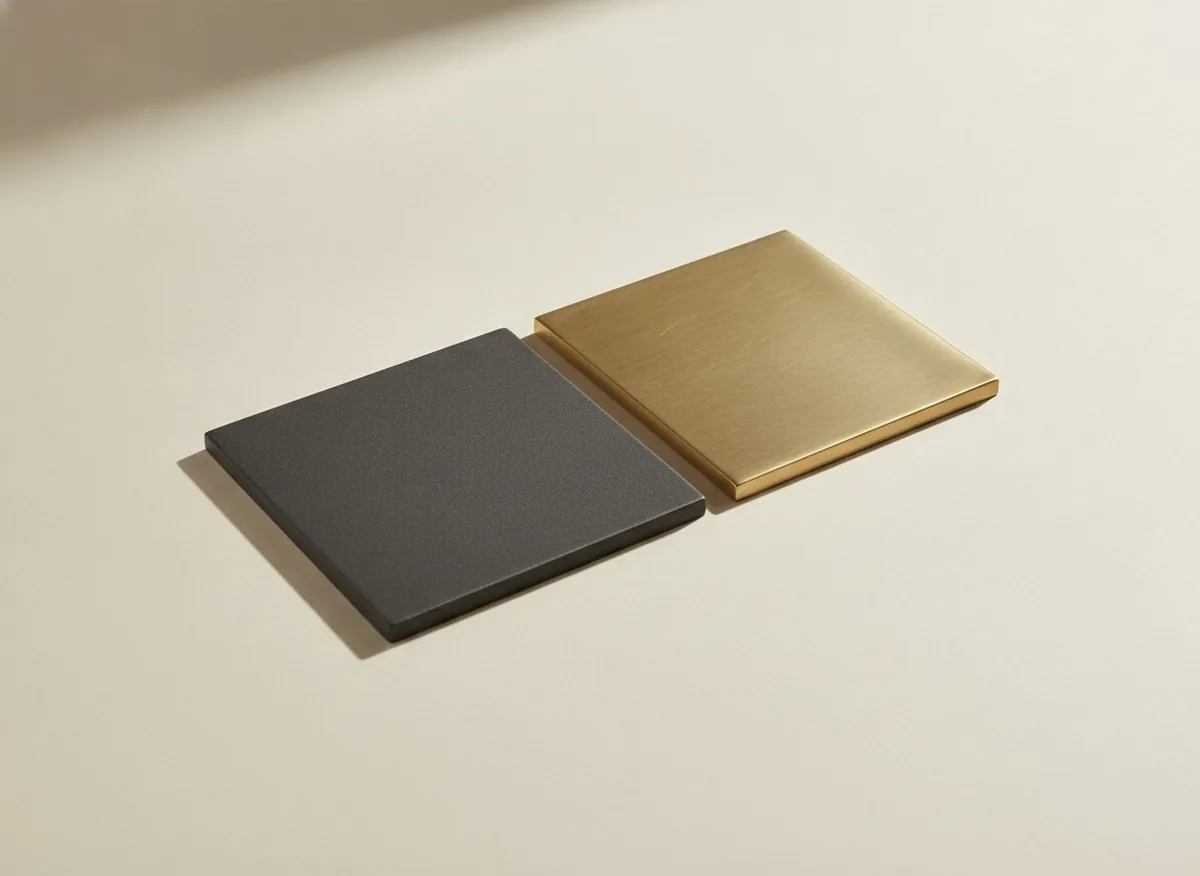
  • MASTER TILEOwner or principalLifts anything, anywhere on the site, in one tap. Cut in brass, so it is different at a glance.
  • ADMIN TILEIT or head of sectionSets policies and schedules, adds tiles and classes, and lifts anything below master.
  • GATE TILETeachers and prefectsApplies and releases the campus policy at a door. Nothing else.
  • SESSION TILEExam, meeting, visitorHolds a policy for the length of a session, then restores whatever was in force before it.
  • HOME TILEParentsRuns a family’s house rules at home, and can release the school policy in an emergency.
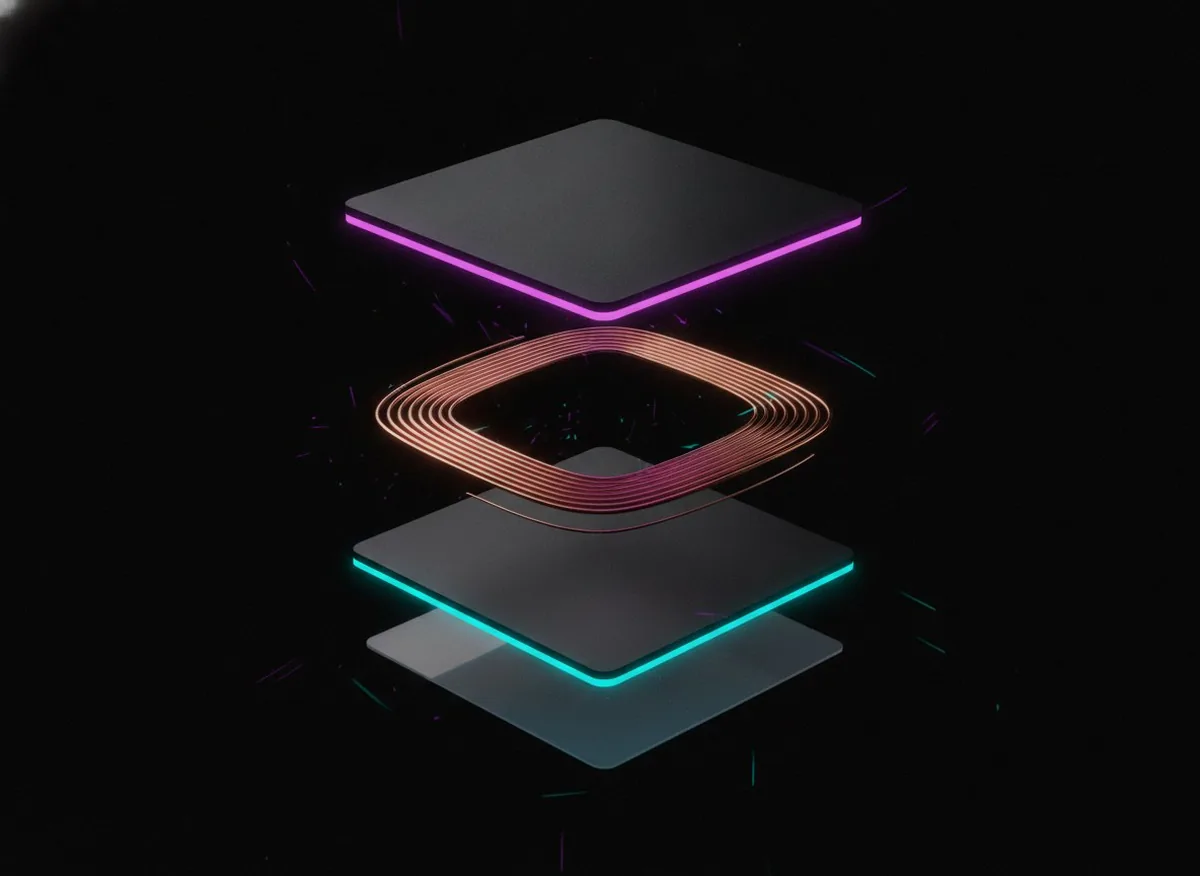
The tile separated into four stacked layers — shell, antenna coil, base plate and fixing pad — with lit edges
FOUR LAYERS · NO BATTERY
A charcoal gate tile lying beside a brass master tile on a pale surface
GATE TILE IN CHARCOAL · MASTER TILE IN BRASS

Nothing to charge. Nothing to break.

THE TILE — CHARACTERISTICS
Size50 × 50 mm, 6 mm thin
PowerNone — passive, powered by the tap
MountingScrew, adhesive or magnet
FinishCharcoal; the master tile in brass
DevicesiOS 17+, Android 12+, phones and tablets
NetworkNot required — a tap is verified on the device, offline
VerificationAgainst the site’s public key and the tag’s own UID
The Haltz console open as a single page on a laptop on an office desk
THE CONSOLE · ONE PAGE
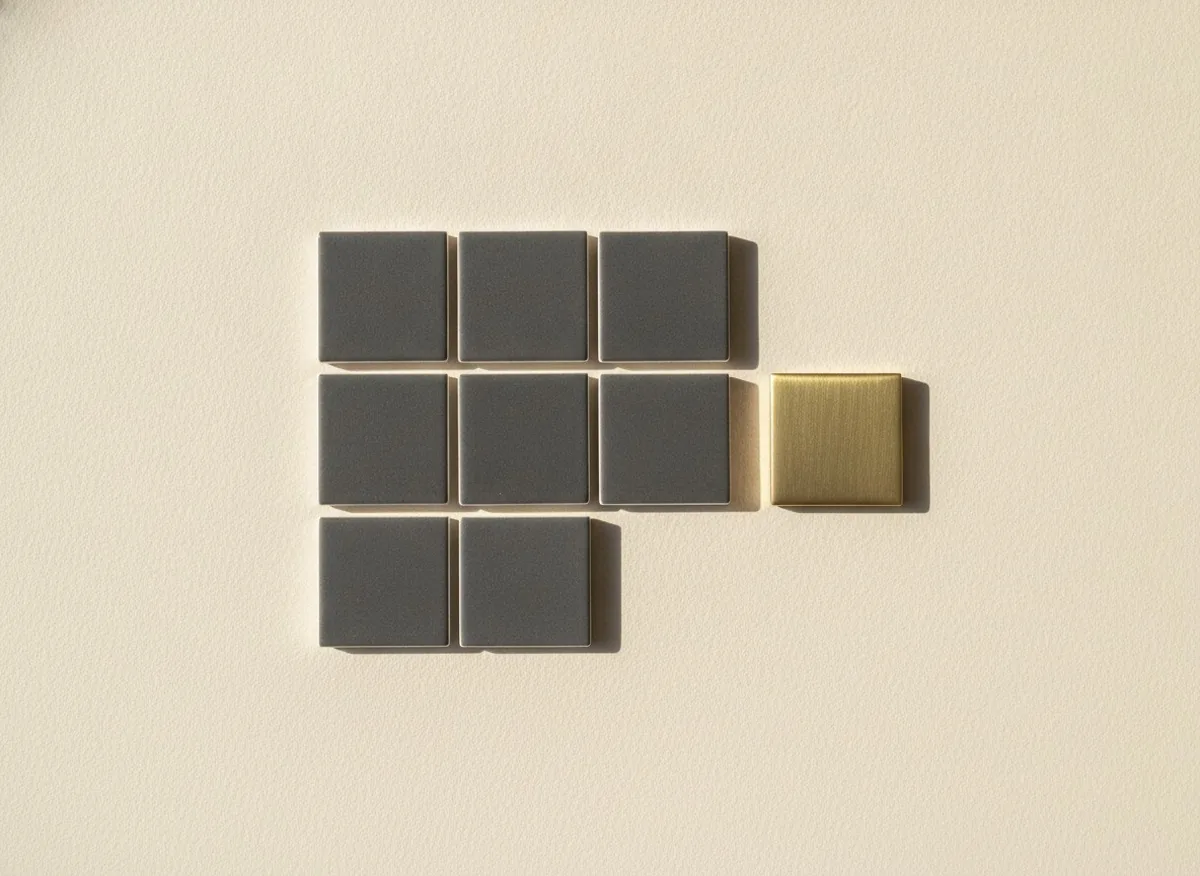
Nine charcoal gate tiles laid out in a grid beside one brass master tile
A CAMPUS KIT · TILES AND ONE MASTER

WHAT HALTZ NEVER SEES

Messages, call content, browsing, photographs, location. Haltz applies a policy and records that a tap happened — that is the whole of it. There is no screen in the console where a member of staff could look.

WHAT NEEDS A MANAGED DEVICE

Camera control and blocked uninstall are managed-device capabilities. They work on devices enrolled in a management profile — school-owned tablets, company handsets, staff phones enrolled with consent. They cannot be applied to an unenrolled visitor’s phone, and no product on the market can do that.

A pilot wing first. The campus after.

  1. WEEK 1Walk the siteWe map doors, decide tile positions and write your policies with your head of section.
  2. WEEK 2Pilot wingTiles mounted on one corridor or one year group. Staff briefed in twenty minutes.
  3. WEEKS 3–4Enrol and observeDevices enrolled with parental consent. We sit with your staff through the first mornings.
  4. MONTH 2Whole siteRemaining doors fitted, master and admin tiles handed over, console training closed out.

Priced per door for the tiles and per enrolled device for the software, with the pilot wing quoted separately. The site walk and the written proposal cost nothing.

Haltz is a new product from an established engineering company. We are selecting a small first group of schools for paid pilots — one wing, one term, your own staff running it.

RESTROPOS · POINT OF SALE

RestroPOS

One POS. Seven kinds of business.

A point-of-sale system that brings orders, billing, kitchen workflows, staff access and sales reporting together at the counter.

For restaurants, cafés and fast food, and for retail teams that need a clear, controlled way to serve customers and run the day.

Built for seven kinds of business.

  1. 01Restaurants
  2. 02General stores
  3. 03Garments
  4. 04Tiles & sanitary
  5. 05Mobile shops
  6. 06Pharmacies / medical stores
  7. 07Paint & hardware shops

From the counter to the back office.

  • Orders & serviceTakeaway, dine-in and delivery, with table numbers, tokens, open orders, customer addresses and order history.
  • Kitchen workflowKitchen order tickets, network printers, kitchen display screens and separate routing stations for preparation areas.
  • Billing & paymentsTax and service charges, discounts, split payments, voids and refunds, with item sizes, toppings and deals.
  • Staff & cash controlRole-based access with PINs and permissions, plus shifts, cash counts and sales reports for the day’s close.
  • Customers & growthKhata customer credit, loyalty points, coupons, feedback QR codes, and QR menus with online ordering in Urdu.
  • Stock & suppliersStock levels, recipe-based ingredient use, vendors, purchases and spreadsheet menu imports.

TAILORCUT · TAILOR MANAGEMENT & POS

TailorCut

Tailoring and cloth sales, together.

A tailor management and point-of-sale system for customers, measurements, stitching orders, cloth stock, counter sales and udhaar.

Use TailorCut for the tailoring side, TailorCut POS for the cloth counter, or both to run the whole shop in one app on phones, tablets and PCs.

Two business types. One combined system.

  1. 01Tailors
  2. 02Cloth Shop POS
  3. 03Both

One app for the whole shop.

  • Customers & measurementsCustomer records with registration numbers, phone search, garment measurements and design details.
  • Orders & deliveryOrder numbers, delivery dates, advance and balance payments, and Active, Ready and Delivered lists.
  • Slips & WhatsAppCustomer and workshop slips with QR codes, PDF sharing, WhatsApp messages and delivery reminders.
  • Cloth stock & purchasingStock by meter, gaz, suit or readymade size, with suppliers, buying prices and low-stock alerts.
  • Counter sales & udhaarPrinted receipts, discounts, returns, barcode scanning and sticker printing, plus udhaar khata and WhatsApp reminders.
  • Reports & accessMonthly and POS reports with charts and PDF, profit and stock worth, English and Urdu, and synced data across shop devices.